
Find your next website edit in Google Search Console
A framing shop’s search report shows three very different opportunities. Only one gives the owner a clear edit to make this week.
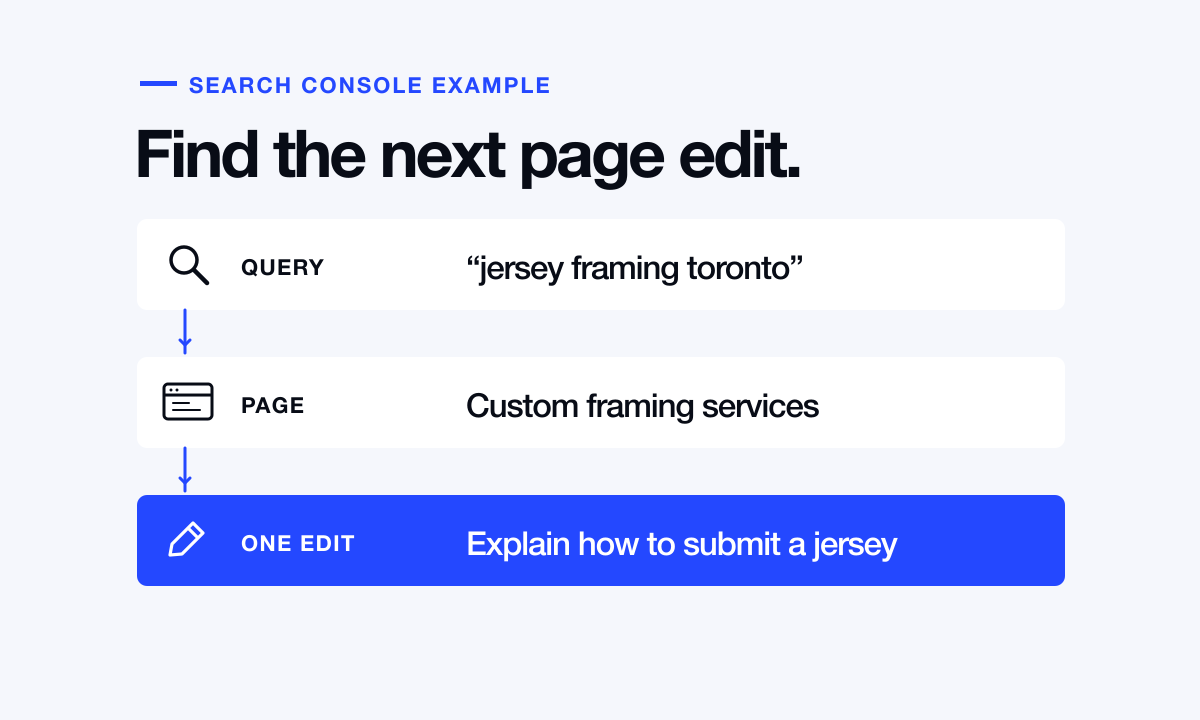
A Toronto custom framer has time to improve one page. The team often handles sports jerseys, but its website says only “Custom picture framing.” Search Console can show whether people looking for jersey framing already see the site in Google, which page appears and how often anyone follows the result.
Start with one page and one period
Open the verified website property in Search Console and find Performance, then Search results. Choose Web and the last 28 complete days. Select the Pages tab, choose the framing service page, and switch to Queries. That filter connects each phrase to a page you can actually edit. If the shop gets few impressions, widen the date range before making a decision.
An impression means the result met Google’s conditions for being shown. A click means someone selected the result. Click-through rate, or CTR, divides clicks by impressions. None of these counts tells you whether the visitor paid a deposit. Keep that question for your enquiry records.
Read three fictional rows like an owner
Suppose “jersey framing toronto” has 400 impressions and eight clicks. Its CTR is 8 ÷ 400, or 2%. “Custom framing near me” has 600 impressions and 18 clicks, or 3%. “Cheap poster frames toronto” has 250 impressions and ten clicks, or 4%. Those figures are an illustration. Use your own numbers when you try the exercise.
This business makes custom frames and does not sell ready-made poster frames. Those poster-frame clicks lead to a product the shop cannot sell. Adding a page for that phrase would attract more of the wrong customer. The broad middle phrase gives little indication of the visitor’s project. The jersey query names a service the shop sells, attracts repeated impressions and points to a page that barely explains it.
Answer the missing buying question
Add a short jersey-framing section with an original example the customer has approved. Explain whether someone can bring the jersey in or send a photograph for an estimate, what affects the frame depth, and what information helps the shop quote. Give the example a caption explaining the mounting choice. Use a heading that names the service in ordinary language.
Review the page title and opening paragraph. If jerseys are one service among many, retain the broader framing description and mention jerseys alongside the other work customers can commission. Record the URL, date and exact change. That note is much easier to interpret later than “worked on SEO.”
Compare the same query and page again
After another comparable period, run the same filter. If eight clicks become 12 on 400 impressions, CTR has moved from 2% to 3%, a rise of one percentage point. Check whether average position, device mix or seasonal demand also changed. Four additional clicks alone cannot establish what caused the increase.
Some low-volume queries are omitted for privacy, so adding the visible rows can produce a smaller number than the chart total. Use the report to find recurring questions and the enquiry log to learn whether the new visitors wanted work the shop could take.
Explore Done48’s GTA website service