
The project page a Vaughan renovator can send with a quote
A finished kitchen gets attention. The story behind one awkward doorway can win a conversation with the next homeowner.
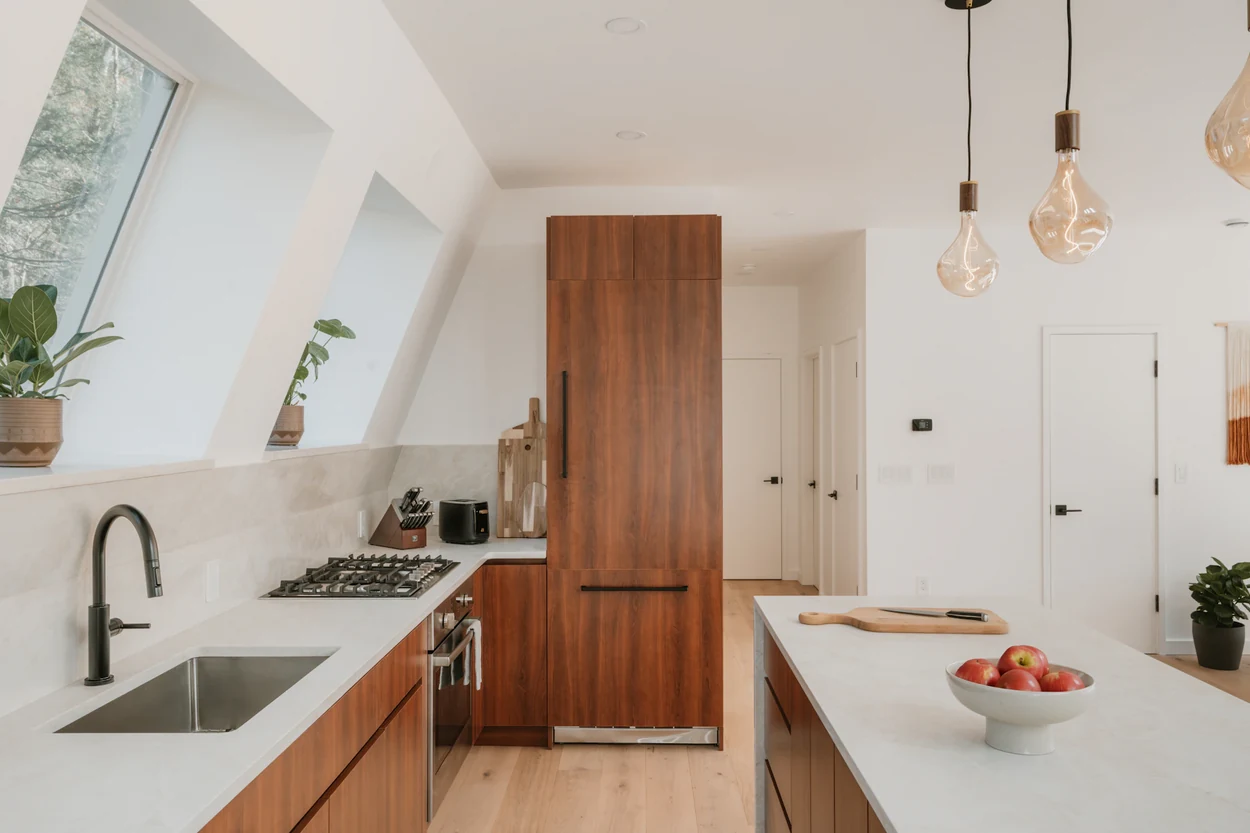
Imagine a homeowner in Woodbridge looking through two contractors’ galleries. Both have a photo of a beautiful kitchen. Only one explains how a family kept its dining table, gained pantry space and made room for the dishwasher door to open. That homeowner now has something specific to ask the second contractor.
Choose one finished job you would gladly do again. Give it its own page and write down the parts you usually explain in person. Here is how to make that page useful to someone deciding whether to call.
Name the job the way a homeowner would describe it
A title like “Woodbridge kitchen renovation with a walk-in pantry” gives the reader a room, a place and a feature to look for. For a different job, “Maple bathroom remodel with a curbless shower” does the same work. Pick the title your actual photos and scope can support.
Woodbridge and Maple are in Vaughan. Thornhill spans parts of Vaughan and Markham, so check the municipality before calling a Thornhill job a Vaughan project. Both cities have a defined Thornhill heritage district. If restoration was part of the work, a sentence about the original trim you retained is more meaningful than a vague reference to the neighbourhood’s heritage.
Write the three sentences the photos cannot
For an imaginary Woodbridge kitchen, the opening could read like this. “The owners wanted more storage and enough space for two people to cook. Opening the dishwasher blocked the path from the hall to the table. We moved the dishwasher beside the sink and replaced the shallow hall closet with a pantry that opens into the kitchen.”
Use that sequence on your own project. What did the homeowner want? What stood in the way? What did your crew change? If a designer, cabinetmaker or another trade handled part of the solution, credit them. A homeowner comparing proposals needs to understand which work you can price.
Use three photographs to explain one decision
Get the owner’s permission before publishing. The neighbourhood is plenty of location detail. Crop family photos, paperwork and house numbers out of the frame. Open the finished page on your phone to make sure a cropped photo still shows the feature its caption describes.
- Before. Stand where the homeowner would notice the problem. The wide shot should show the blocked walkway or awkward cabinet, with a caption that identifies it.
- After. Shoot from roughly the same position. A reader can compare the two layouts without having to work out where the camera moved.
- Detail. Show the part you would point out on a walkthrough, such as the pantry doors open with the dining chairs pulled out. Explain what fits or works better.
Give the reader a reason to request an estimate
Add a small scope summary beneath the pictures. Include the type of home, the work your team took on and any helpful timing detail you can verify. If you quote a duration, distinguish days on site from time spent waiting for cabinets. A homeowner planning meals around a kitchen closure will care about the difference.
End with a button that says “Ask about a similar kitchen.” Carry the project title into the enquiry form so the homeowner can start with their own question. Ask for their neighbourhood, the change they have in mind and how to reach them. Make photos optional. A customer should be able to start the conversation while standing in an unfinished room.
Explore Done48’s contractor website design