
Build a café website that gets the Saturday pastry box ordered
What to put on the menu page, how to handle a sold-out bake and where to send someone collecting an order in Pickering or Whitby.
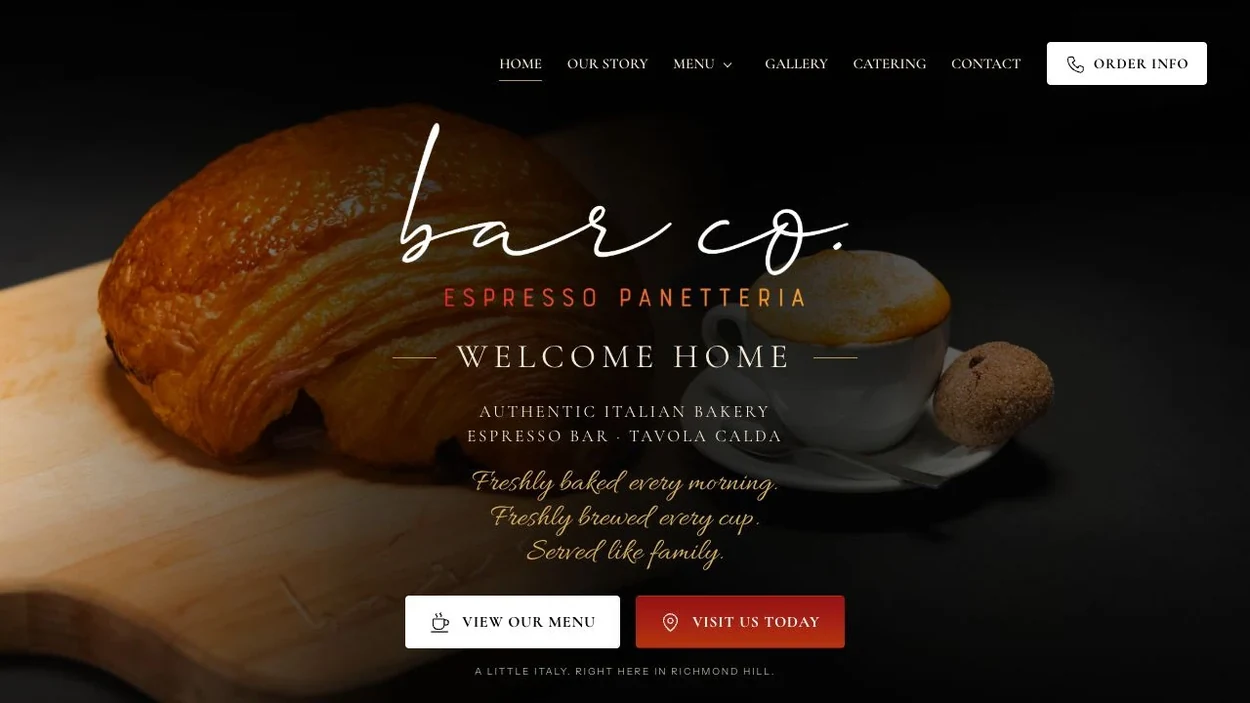
A customer needs pastries for six on Saturday morning. They’ve seen your croissants on Instagram. Can they reserve a mixed box? Is the pickup counter in downtown Whitby or Brooklin? Will they get a confirmation in time to count on it?
There are two different sales here. One person wants coffee and a walk-in pastry today. Another needs a specific order ready at a specific time. A small café or bakery can serve both from the same website if the menu and the order instructions make that distinction clear.
Give the everyday menu a permanent address
Create a menu page at an address you can keep through price changes and seasonal bakes. Write the item names, sizes and prices as ordinary text a customer can read on a phone. A photograph of the pastry case makes the page appetising. The text underneath tells someone what they can actually buy.
Divide the menu the way the counter operates. Coffee might be available all day, sandwiches from lunch, and the morning bake until it sells through. If your cinnamon buns often run out, explain whether customers can reserve them and when. That is more useful than a promise to have everything pictured.
Use that same menu address in your Google Business Profile. Google provides a menu-link field and, where it has found multiple menus, an option to choose a preferred source. Recheck the listing after a price change, especially if you previously uploaded a printed menu.
Show how an order goes from request to reserved
For a pastry box, the buyer needs the piece count, flavours, price, ordering deadline, collection window and payment instructions. Put these together beside the order button. If the team reviews requests by hand, say when the customer can expect to hear back and how they’ll know the order is confirmed.
Here’s fictional copy for a shop taking preorders by hand. “Saturday box · six pastries · $28. Choose classic or mixed. Send your request by Thursday at noon. We’ll email a payment link by Thursday evening. Once paid, your box is reserved for Saturday pickup between 9 and 11.” Replace every detail with a promise your team can keep.
When the last box is reserved, close that pickup date and show the next available one. Keep the café hours visible. A sold-out preorder can still lead to a walk-in coffee.
Write the pickup note for someone already on the street
In Whitby, downtown and Brooklin are distinct destinations. If a shop is near the Four Corners at Brock and Dundas, identify it as downtown Whitby. Give a Brooklin counter its own address and directions. If customers can choose a counter, repeat that choice on the receipt alongside the collection time.
For a shop in Pickering’s Nautical Village, Frenchman’s Bay or Millennium Square can help a visitor recognise the area. The final instruction still needs a street number, a door and a counter. Photograph the entrance customers should actually use. If collection happens at a side window, tell them which street it faces.
Run the Friday afternoon test
Hand your phone to someone who hasn’t worked a shift. Ask them to order six pastries for tomorrow. Let them talk through what they see. If the cutoff has passed, can they tell what they can still buy? That answer matters as much as a working checkout.
- Start from the public menu link on Maps and check that today’s hours match the shop.
- Try the smallest order and a quantity above your capacity. Both should produce a clear next step.
- Read the confirmation aloud. The quantity, pickup day, time window and address should all be there.
- Ask the person opening on Saturday where they’ll see the order. A customer confirmation and a kitchen ticket should refer to the same box.
See websites for restaurants and cafés